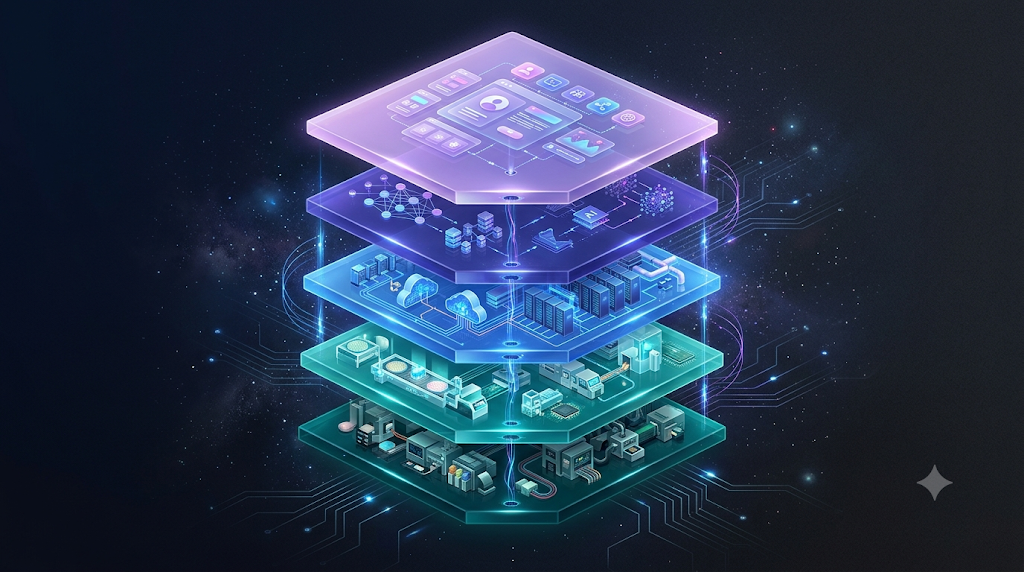
AI Industry Structure, Layer 2: The Memory Stack

No matter how fast a GPU is, it’s useless without components alongside it to move and store data. Layer 2 of the AI industry structure covers the rest of a server’s core components, minus the GPU — memory, CPU, and storage. In this article, we’ll cover why HBM has become such a hot topic lately, what CPUs actually do in the AI era, and how memory differs from storage.
Revisiting This Layer
These three often get overshadowed by the GPU (the compute chip that actually handles AI calculations), but they’re actually what determines whether that GPU can perform at full capacity. No matter how good a GPU you buy, it just sits idle if data can’t be fed to it. We’ll cover exactly what the GPU itself does in the next article, so here we’ll work through memory, CPU, and storage one at a time first.
How the Memory Hierarchy Is Stacked
The components a computer uses to handle data are stacked in four levels, ordered by “how close they are to the compute chip (the CPU).” The closer, the faster but smaller in capacity; the farther, the slower but larger in capacity. A kitchen analogy makes this easy to picture.
1Registers (CPU/GPU)
This is where the value the compute chip is directly calculating “right this instant” gets stored. The moment a chef pulls an ingredient out of the fridge and holds it, they immediately move to the next step — chopping, sautéing. Registers are that “held in hand” state. Capacity is extremely small (usually just dozens to a few hundred), holding only what’s needed right now.
2Cache (CPU/GPU)
This is like pulling out ingredients you use often — enough that it’s a hassle to run to the fridge every single time — and setting them out on the counter ahead of time. A CPU frequently reuses the same data, and making a round trip to memory every time would be slow. So cache is a copy of frequently used data pre-loaded right inside the chip. It’s usually split into further levels too — L1 (smallest and fastest), then L2 and L3 (a bit bigger and slower).
3Memory (DRAM/HBM)
This is the fridge that holds all the ingredients for today’s cooking. It’s bigger than cache (tens of GB), but much smaller than storage. And its contents vanish completely when the power goes off (it’s volatile) — similar to leaving the fridge door open and coming back the next day to find the ingredients gone.
4Storage (SSD/HDD)
This is the basement storeroom. It’s where things are kept long-term even if they’re not needed right away, has the largest capacity (several TB), and its contents don’t disappear even when the power is off (it’s non-volatile). It’s just located much farther away than the fridge, so it takes time to retrieve things from it.
What Does a CPU Do in the AI Era?
The GPU has an overwhelming edge for computation itself (we’ll cover GPUs in detail in the next article), but that doesn’t mean CPUs go unused entirely. GPUs handle almost all of the actual model-training process, but the steps before and after “inference” — receiving a user’s question, processing it, and returning the results as a sentence — plus coordinating the server as a whole, are still handled by the CPU.
This market has traditionally been split between Intel and AMD. That said, this layer has also drawn relatively less attention than GPU makers in the recent AI boom. NVIDIA starting to design its own data-center CPU (Grace) can be read as a move to absorb this coordination role entirely as well.
Why HBM Is Such a Hot Topic
Like the RAM in your PC, memory is an ultra-fast warehouse that stages data right next to the chip for calculation. No matter how fast a compute chip is, it sits idle if data can’t be fed to it fast enough — and since AI deals with such massive amounts of data, this feed speed directly determines AI performance. That’s what led to HBM (High Bandwidth Memory): a component that stacks multiple memory chips vertically, letting it exchange data far faster than ordinary DRAM.
South Korea’s SK Hynix leads in HBM, with Samsung and Micron close behind. This is one of the big reasons Korea keeps coming up in conversations about the AI boom.
Recently, HBM itself has started becoming a bottleneck. No matter how many GPUs NVIDIA stamps out, it can’t finish assembling them without enough HBM — so each individual HBM supply deal has become significant enough to make industry news on its own.
How Storage Differs From Memory
Easy to confuse with memory, but the role is different. If memory is a “workbench” that temporarily holds data needed for calculation right now, storage is the “warehouse” that keeps large volumes of data long-term, like training data or finished model files. The biggest difference from memory is that data stays put even when the power’s off.
This market is split between Samsung and SK Hynix (NAND flash) and SanDisk, Seagate, and Western Digital. As AI data centers grow, demand for this kind of large-scale storage grows right along with them.
What Investors Should Watch For
This layer isn’t as glamorous as the GPU, but the two are mutually dependent: useless without the GPU, and the GPU is useless without this layer too. That’s why investors should also weigh these factors.
HBM is hard to make, but it also has a trait where once a specific company’s product gets validated, customers don’t easily switch away. It’s also worth noting that landing a deal with a major customer like NVIDIA first often means that relationship carries over into the next generation of products too.
Closing Thoughts
Memory, CPU, and storage are the essential supporting cast that complete the GPU. HBM in particular has recently emerged as a key bottleneck in the AI industry, facing shortages just as severe as the GPU itself.
In the next article, we’ll take a close look at the real star sitting right next to this layer: GPU and chip design (fabless). We’ll cover why NVIDIA occupies the highest-value-added position in this industry.
We cover why GPUs are so well-suited to AI computation, and what NVIDIA’s real moat actually is.